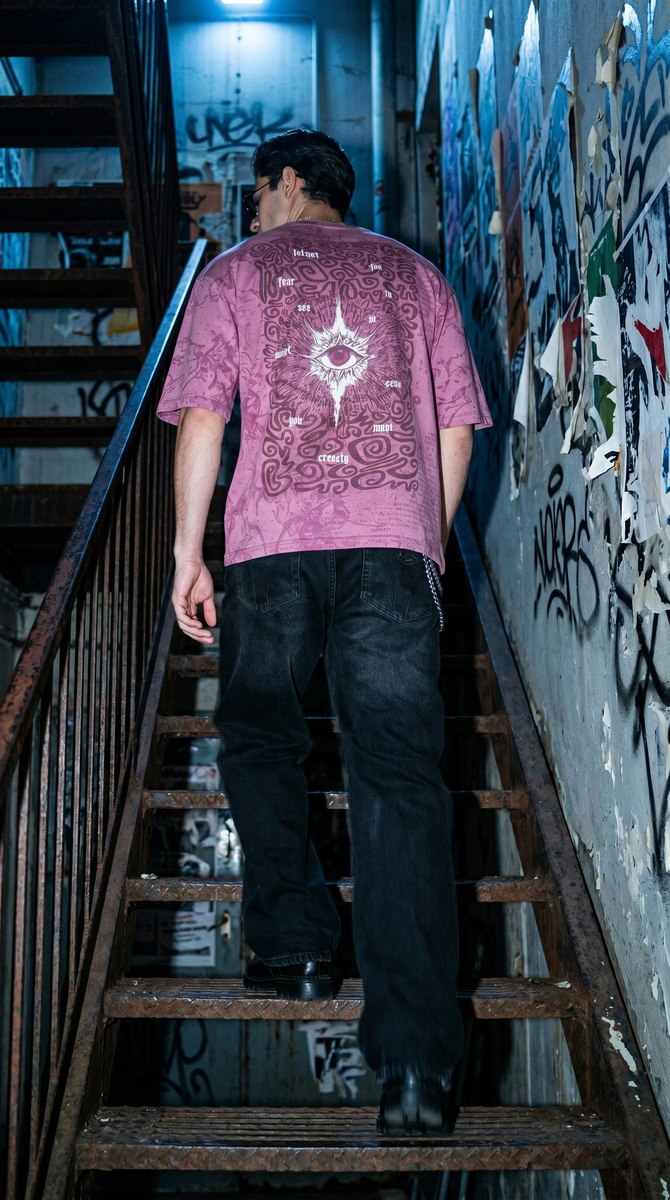
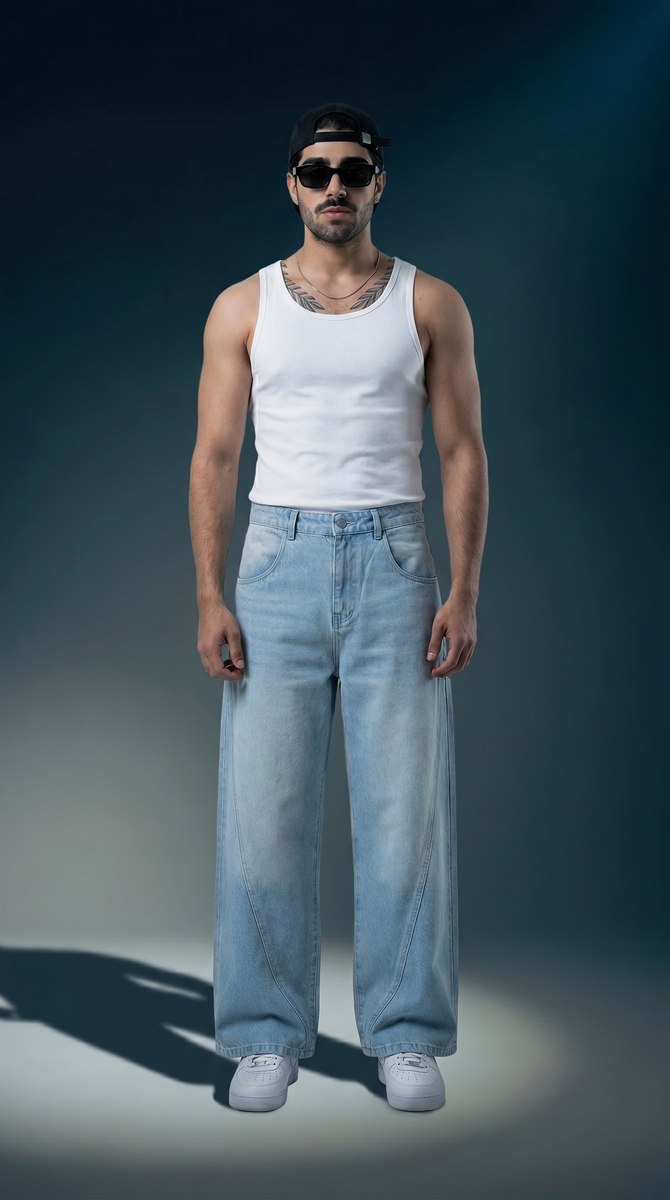
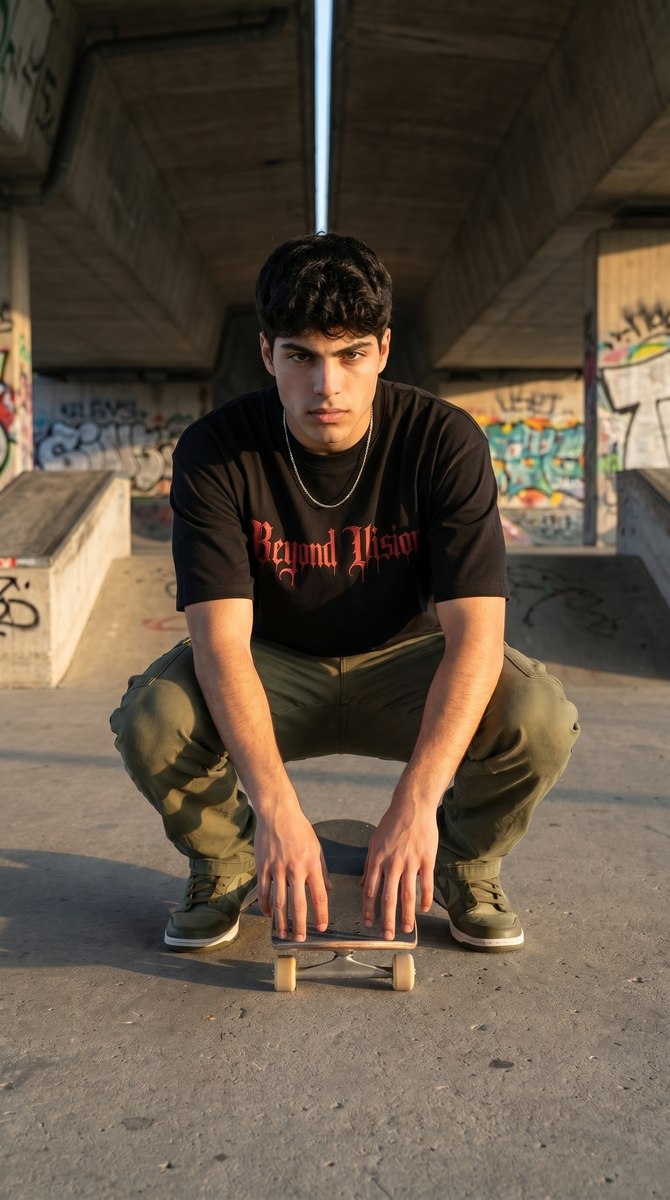
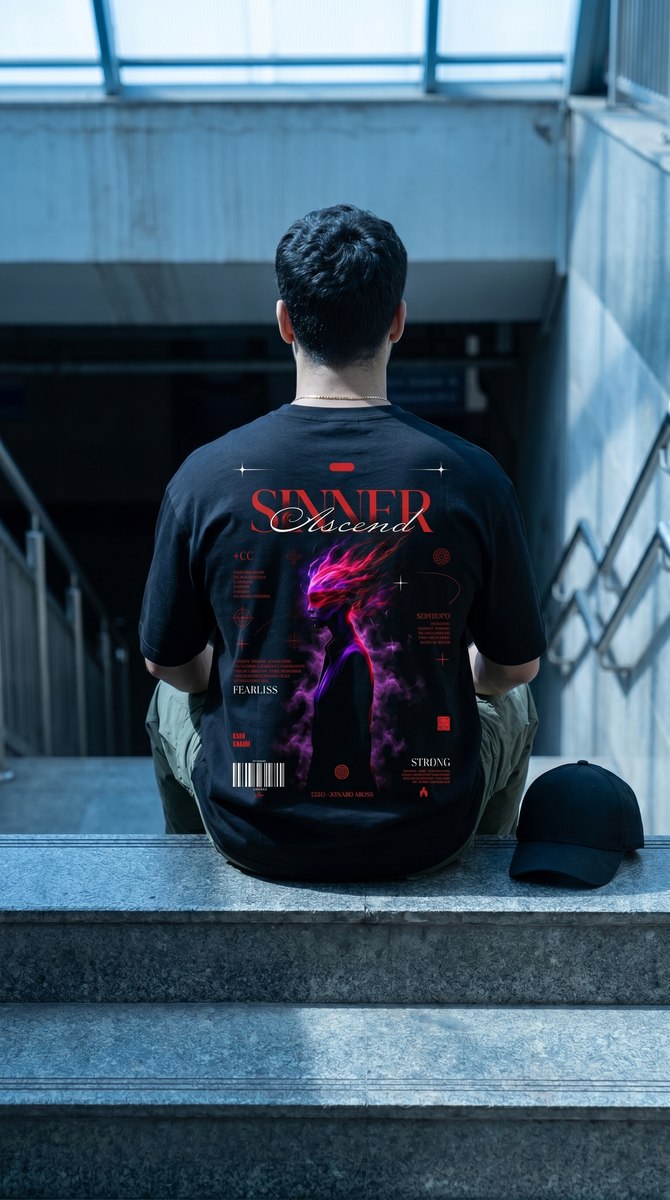
Brand Kit that sticks
Palette, fabric language, tone of voice and house models — inherited by every generation.

No studio, no model booking, no editor. Drop the garment, pick a look, and Miragen returns catalogue stills, a vertical reel and the caption — on brand, in minutes.
Tell me what to shoot today.
Shoot our ivory linen co-ord on a Bombay rooftop after the rain — 6 stills for the site and one 9:16 reel for Friday.
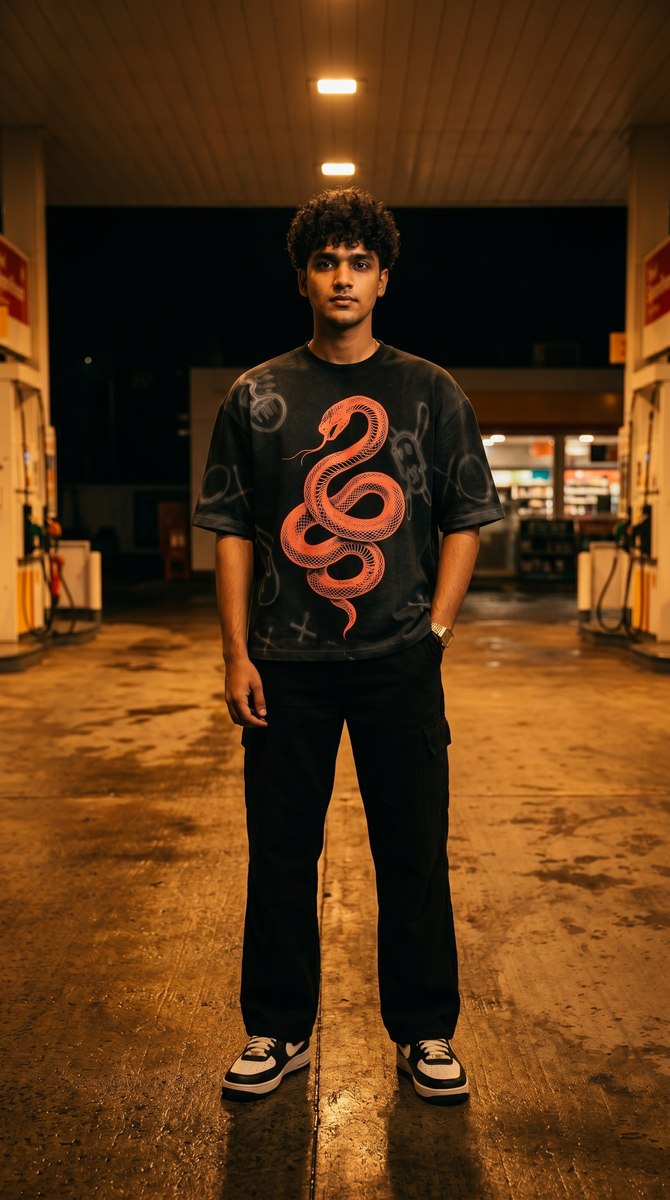 Still 01
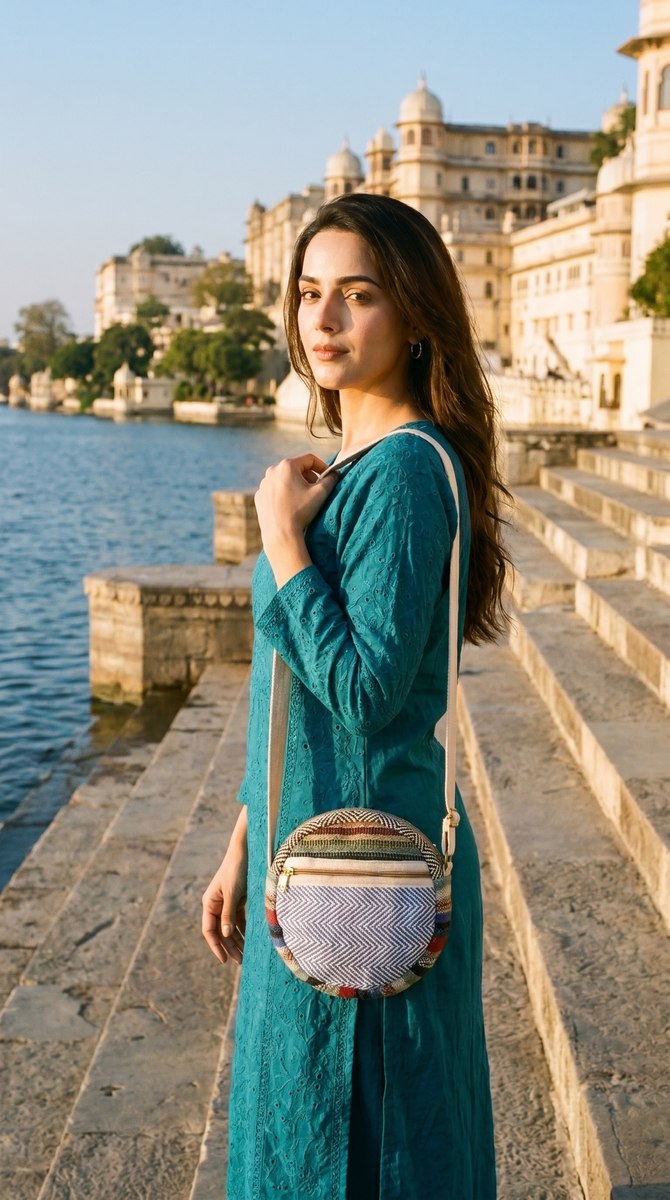 Still 02
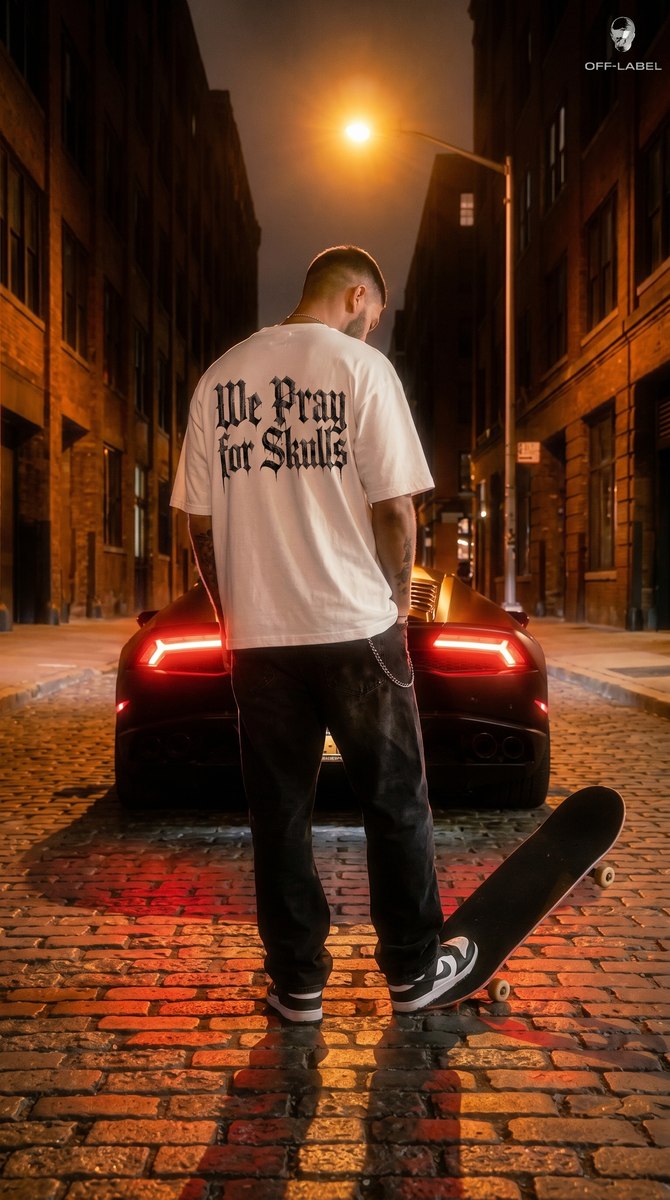 Still 03
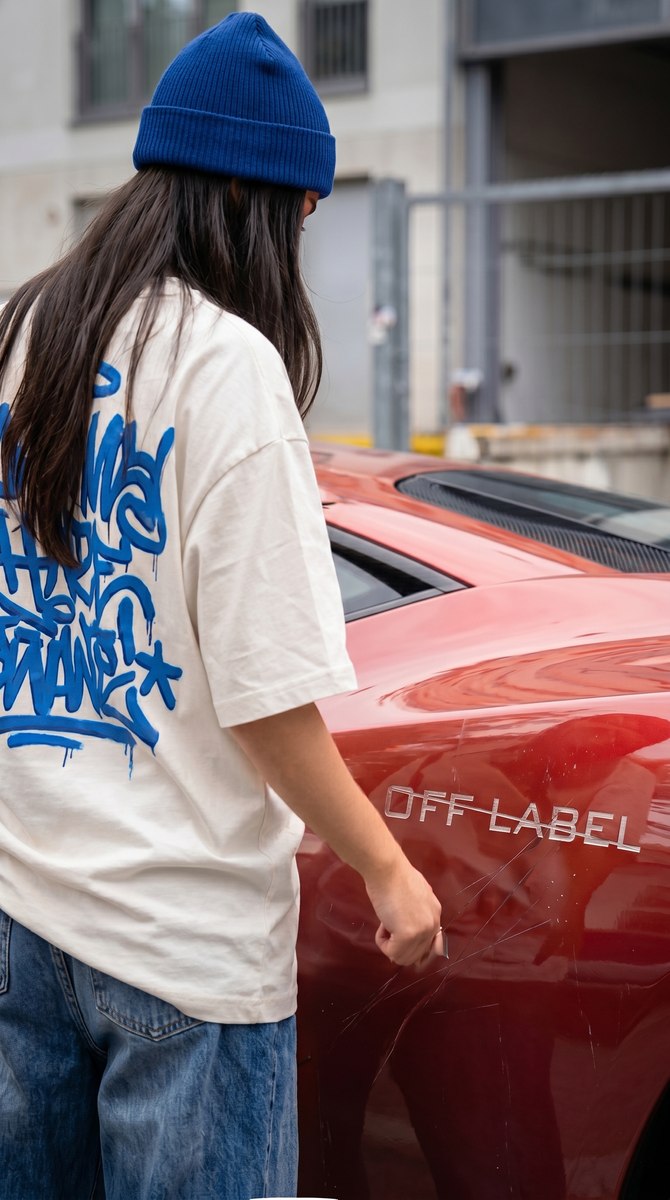 Still 04
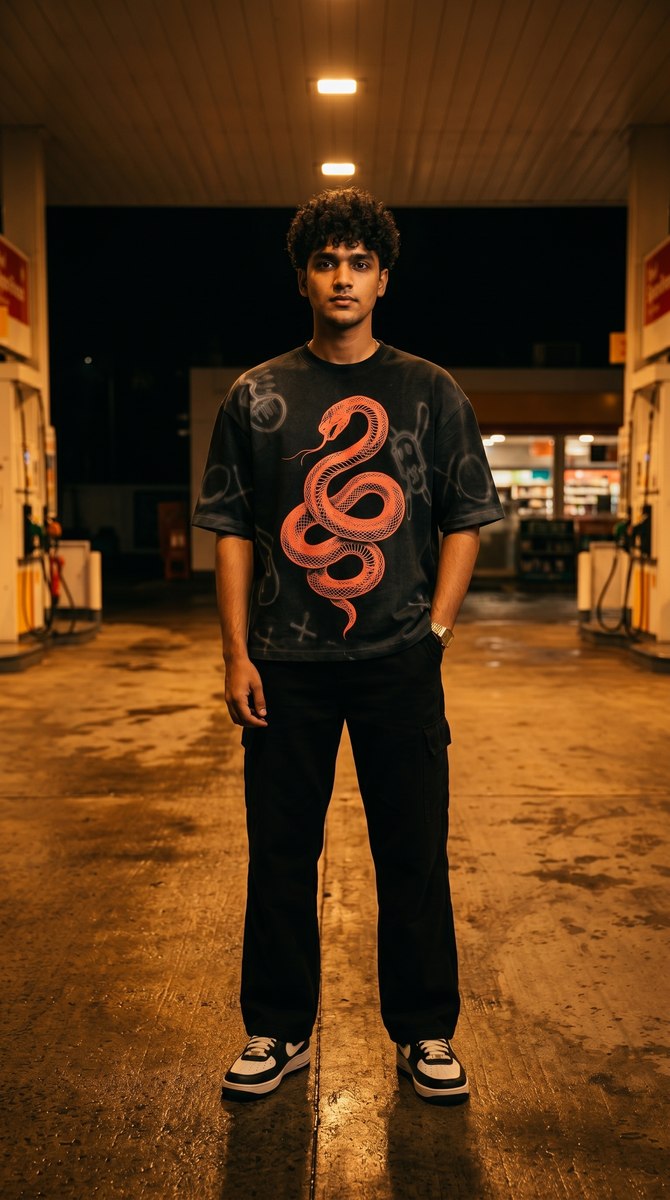 Still 05
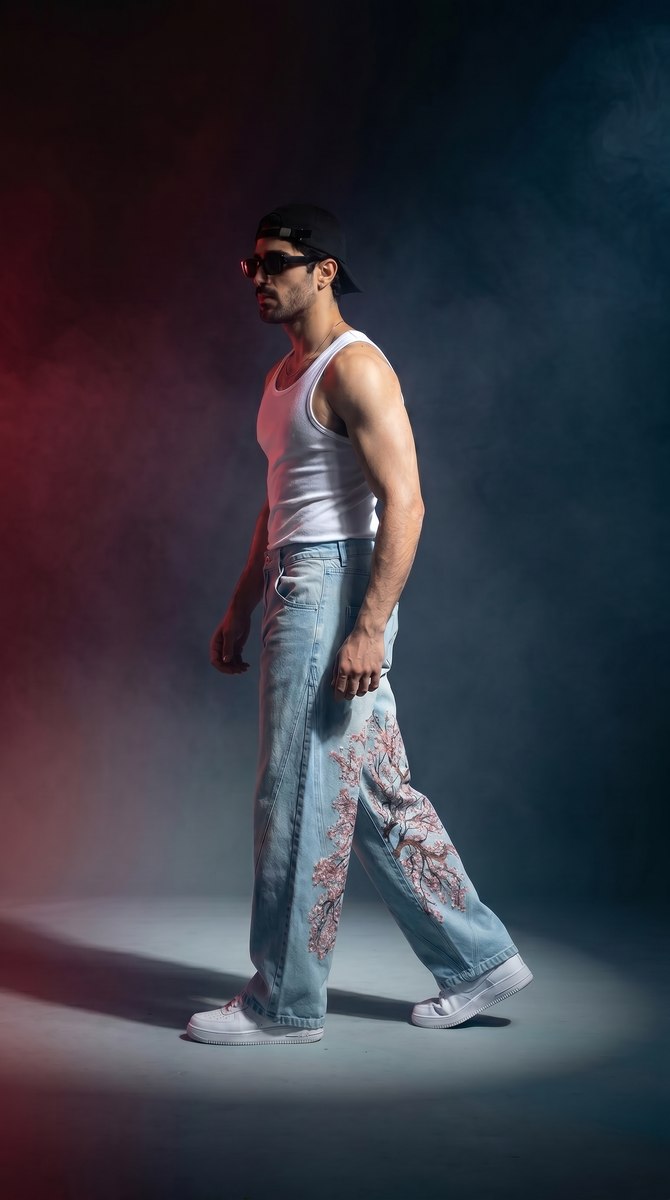 Reel
ReelEvery look is a finished recipe — light, location, grade, motion. Your product goes in, the same photograph comes out.
The same set that costs ₹85,000 and eleven days — model, photographer, location, editor — runs here for the price of a coffee and lands before lunch.
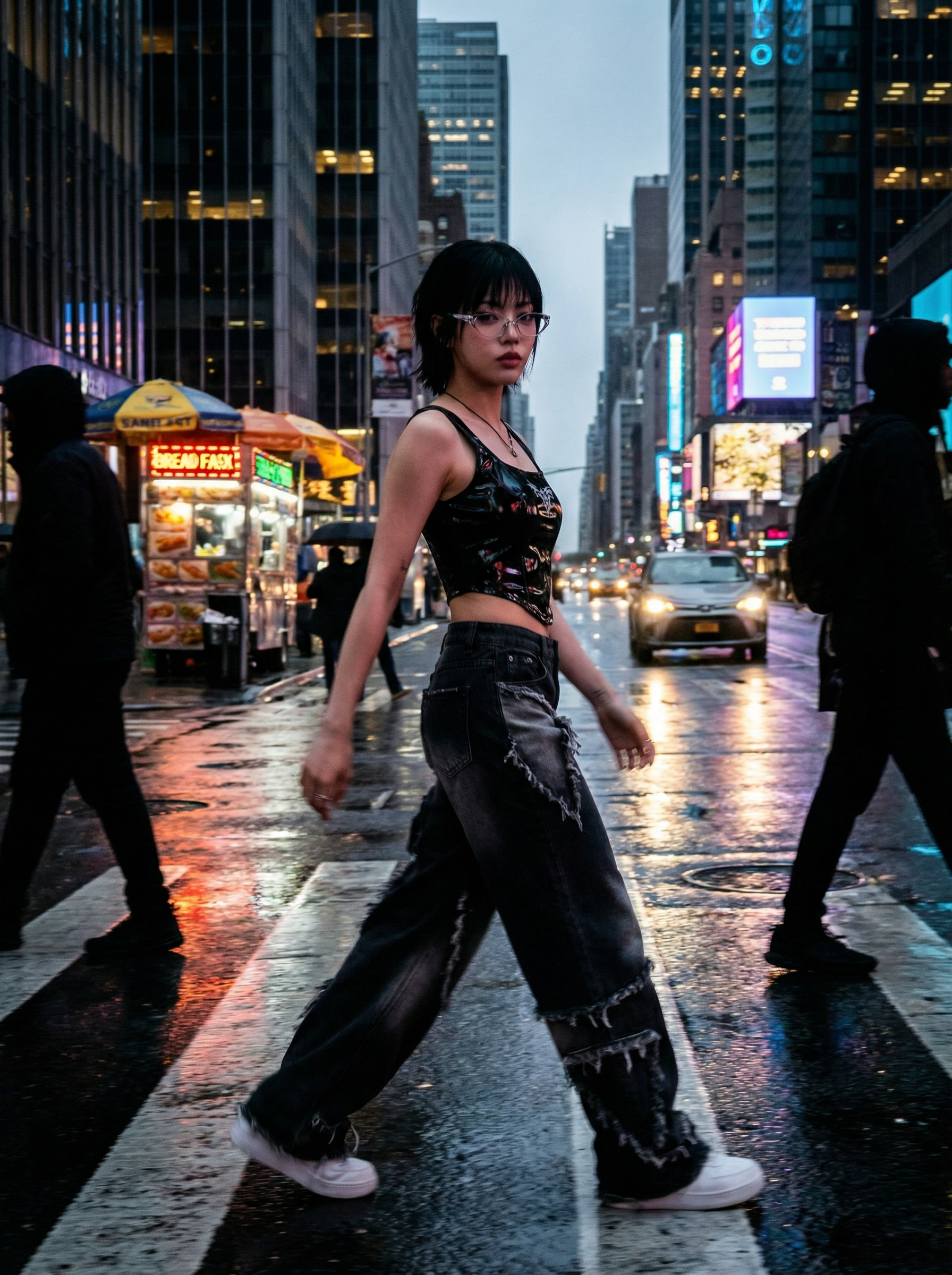 Your flat-lay
Not a prompt box. A studio that already knows your fabric, your palette and your calendar.
Palette, fabric language, tone of voice and house models — inherited by every generation.
The same model across the whole season, so a collection reads as one campaign.
Any approved frame becomes a reel — beat-snapped cuts, captions, safe margins.
Marketplace-safe crops for Amazon, Myntra and Shopify, exported in one click.
Send a link. Your team hearts the keepers; the rest never reach the feed.
Every direction shows its credit cost up front. Nothing renders on a surprise.
Our catalogue used to lag the drop by two weeks. Now it ships with it.
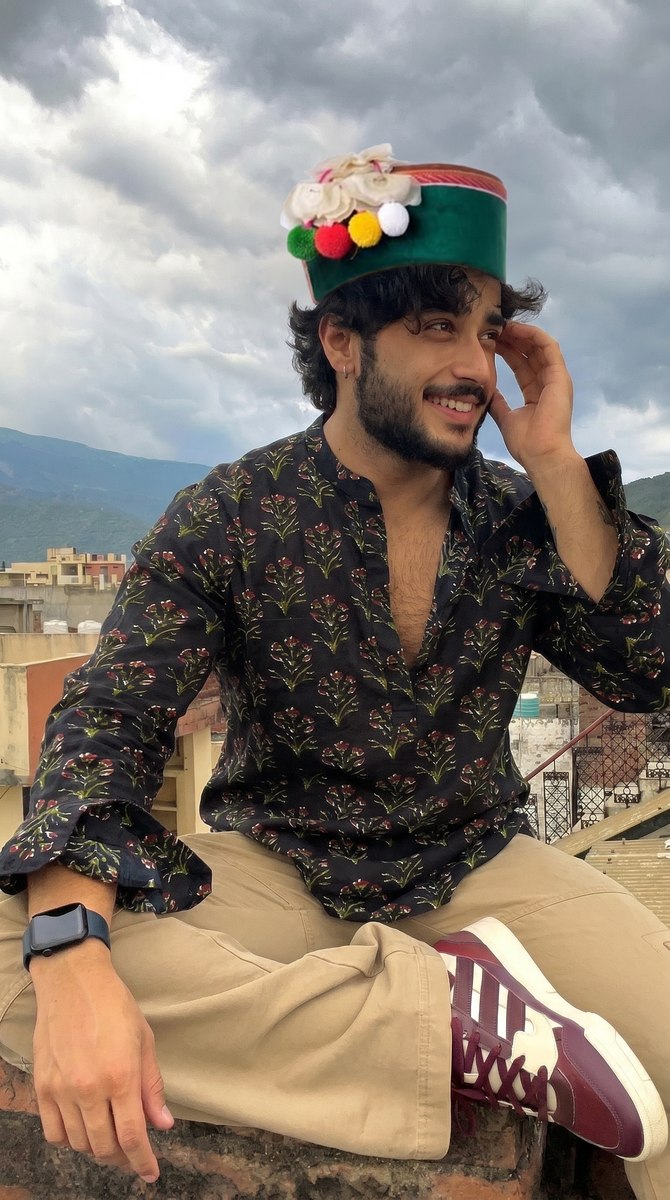 Naina RaoFounder, House of Form
The reel Miragen cut outperformed the one we paid an agency for.
 Aarav MehtaMarketing, Kaanchi
I run four labels alone now. Each one still looks like itself.
 Simran KaurFreelance brand lead
Tell us about the label and we'll shoot your first look free — no card, no call. Approved requests get the frames and the credits together.